Module 4: LangCache
What you're building
Users ask the same questions over and over. LangCache caches responses by meaning, so similar questions return instantly without calling the LLM. This can save up to 90% on token costs.
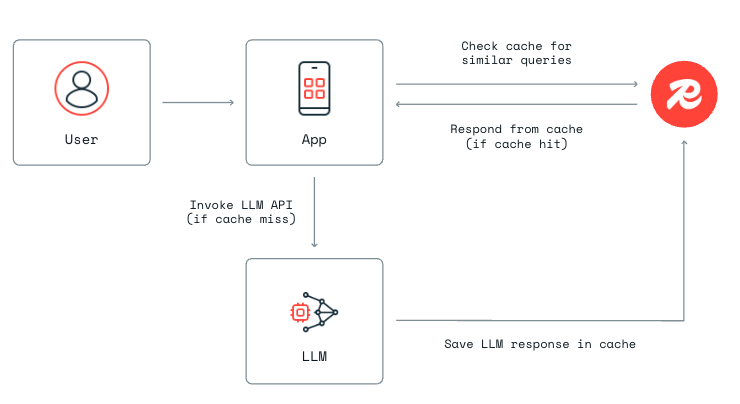
"What's the trade-in policy?" and "How does phone trade-in work?" hit the same cache entry. LangCache matches by meaning, not exact text.
Cloud setup
1. Create a LangCache instance
- In the Redis Cloud console, find LangCache in the left sidebar.
-
Click Quick Create.
-
Name your cache (e.g.
iris-workshop) and click Create.
2. Save your service key
Copy the service key immediately. You won't see it again.
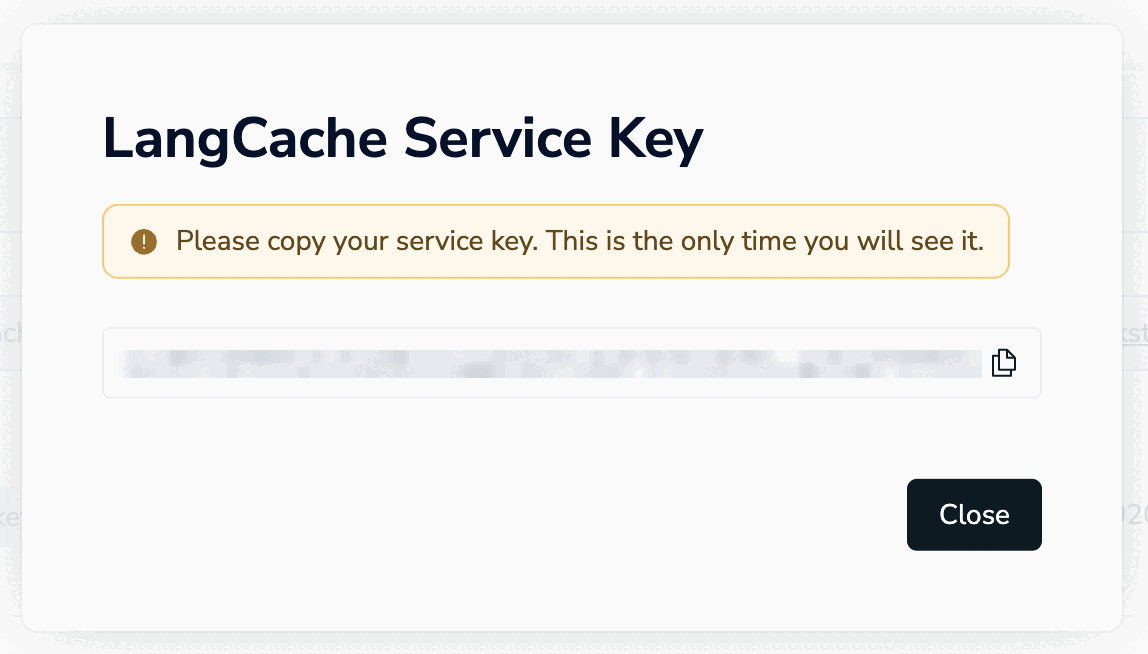
Save it in your .env file:
3. Save your Host and Cache ID
Find the remaining credentials on the instance details page:
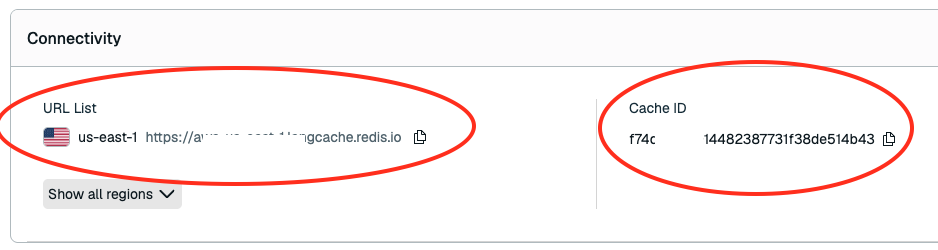
Save them in your .env file:
4. Seed the cache
This loads one cached response so you can test a cache HIT right away.
Exercise
-
Open
exercises/telco/langcache.pyin your IDE. -
Tell your agent how to search the cache. Replace
return Nonewith:return { "prompt": prompt, "similarityThreshold": ___, # pick a number between 0 and 1 "searchStrategies": ["semantic"], }similarityThresholdranges from 0 to 1:- 0 loosely related questions match
- 0.5 similar questions match
- 1 only exact matches count
-
Pick your similarity threshold. Replace
___with a value between 0 and 1. You can always change it later to see the difference.
Show solution
Verify
Stop the running server (Ctrl+C) and restart:
Open localhost:3040.
- Ask: "How does your device trade-in program work?"
- Click
Langcachein the activity panel. You should see HIT. - Ask: "How do I unlock my phone?" You should see MISS.
Before moving on
Set your similarityThreshold to 0.82 before starting Module 5. The remaining modules are tuned to this value.