Module 5: Agent Memory
What you're building
Without memory, every conversation starts from zero. Your agent has no idea who it's talking to or what was discussed before.
Agent Memory gives your agent two types of memory:
| Memory type | What it stores | Lifetime |
|---|---|---|
| Session | Every message in the current conversation | Expires when the session ends |
| Long-term | User preferences and facts | Persists across conversations |
When someone asks "What kind of appointment should I schedule?", the agent searches long-term memory by meaning and recalls "prefers morning appointments" and "primary care provider is Dr. Sofia Martinez" to give a personalized answer.
Cloud setup
1. Create an Agent Memory store
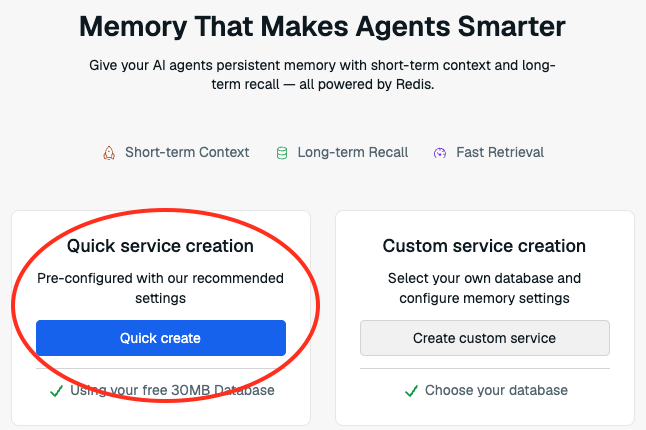
- In the Redis Cloud console, find Agent Memory in the left sidebar.
-
Click Quick Create.
2. Save your API key
Copy the API key immediately. You won't see it again.
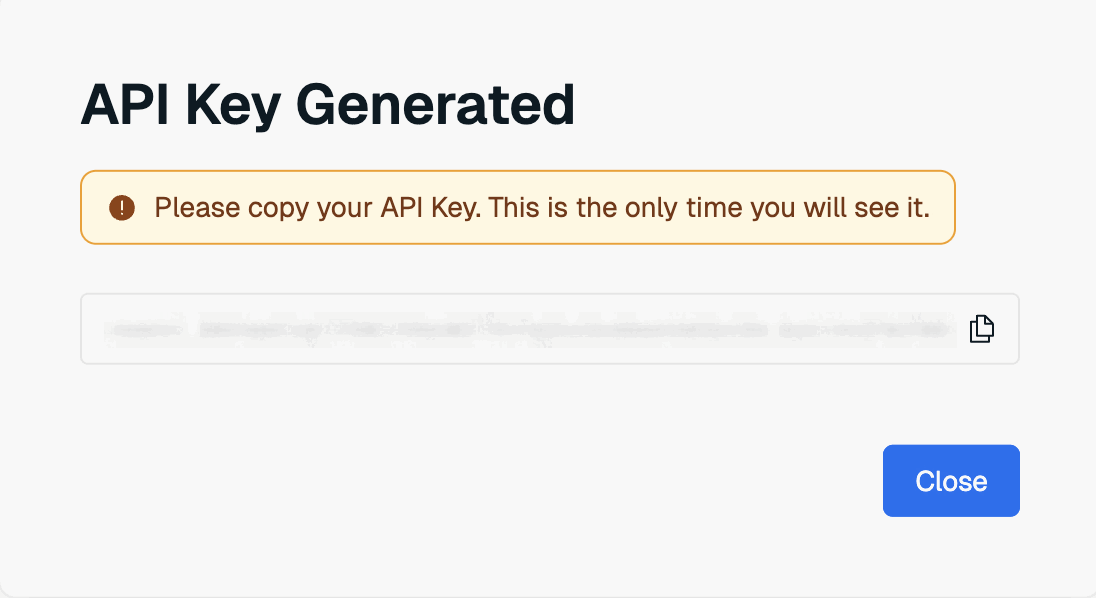
Save it in your .env file:
3. Save your Endpoint and Store ID
Find the remaining credentials on the store details page:
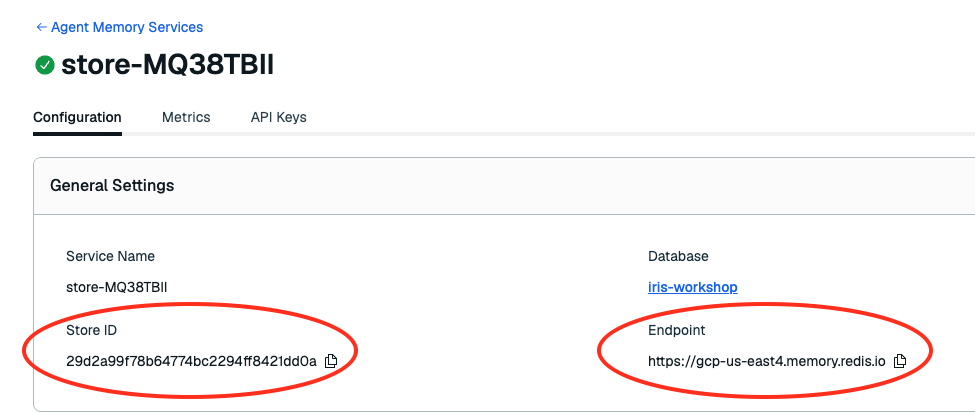
Save them in your .env file:
4. Seed long-term memories
This seeds two facts for the demo patient: "Prefers morning appointments when available" and "Primary care provider is Dr. Sofia Martinez at Downtown Medical."
Exercise
- Open
exercises/healthcare/agent_memory.pyin your IDE. - Replace
return Nonein thelong_term_search_payloadmethod with:
return {
    "text": text,
    "similarityThreshold": 0.2,
    "filterOp": "all",
    "limit": limit or 5,
    "filter": {
        "ownerId": {"eq": sanitize_owner_id(owner_id)},
        "namespace": {"eq": "healthcare-demo"},
    },
}
The key field here is similarityThreshold. It controls how closely a memory needs to match the current question. Lower means the agent recalls more loosely related memories. Higher means it only recalls very direct matches.
Verify
Stop the running server (Ctrl+C) and restart:
Open localhost:3040.
- Ask: "Based on what you know about my preferences, what kind of appointment should I schedule?"
- Click
Agent-memoryin the right activity panel. The agent recalled "morning appointments" and "Dr. Sofia Martinez" from long-term memory to personalize its answer. - Ask a follow-up: "Can you check my referrals?". The agent remembers what you just discussed. That's session memory keeping the conversation coherent.
- Now try changing
similarityThresholdto0.8, restart, and ask the same question. Notice how a stricter threshold changes what the agent remembers.